
Best AI Tools for Starting an Online Business
Disclosure: Some links on this page are affiliate links. If you sign up or buy through them, AI Business Launch may earn a commission at no extra cost to you. We only recommend tools we think are genuinely useful.
Best AI Tools for Beginners: Build, Create, and Grow Your Online Business
Artificial intelligence is making it easier for everyday people to create content, build websites, research business ideas, and automate repetitive tasks. But with so many AI tools available, knowing where to begin can feel overwhelming.
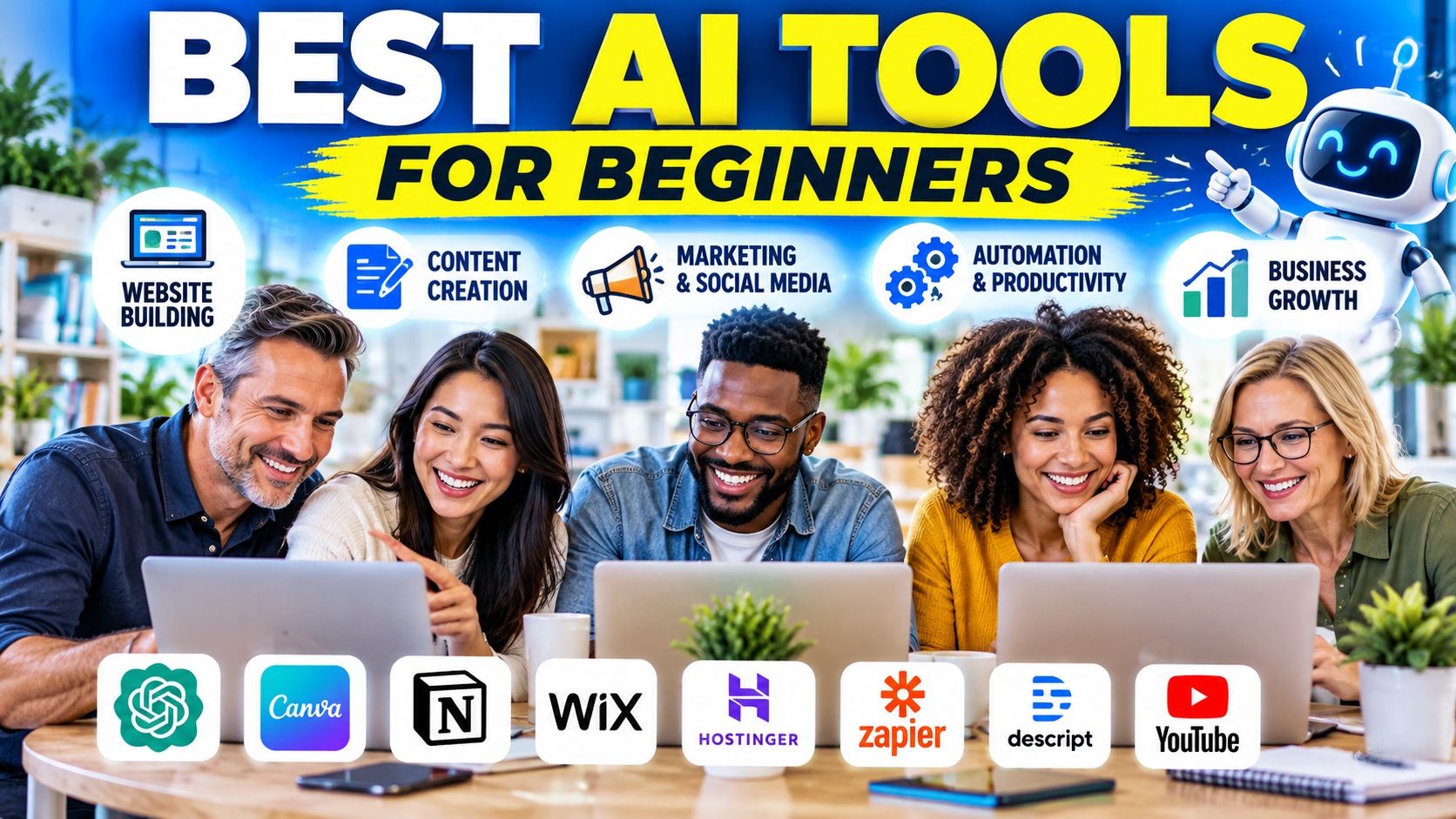
This page is a map of AI tools you might use to start a small online or local service business: writing, research, website building, design, video, and marketing. You do not need all of them. Starting with one or two is usually enough.
If you are starting with little or no money, begin with the best free AI tools for starting a business. That guide is the shorter, free-first list. This page goes into more detail, including paid options.
I want this to stay practical: which tools are useful, what they can realistically do, and how to get started without paying for software you do not need yet.
Not Sure Which AI Tool to Start With?
Not sure where to begin? Start with what you’re trying to accomplish. You don’t need a bunch of expensive tools to get started.
- Need help writing or brainstorming? Start with ChatGPT.
- Want to build your own website? Compare Wix AI Website Builder.
- Need a website for your small business? Take a look at NinjaSite’s done-for-you website options.
- Want to create graphics or marketing content? Explore the design tools further down this guide.
- Want to build sales funnels or automate your online business? Explore systeme.io’s free tools for landing pages, email marketing, and automation.
My advice is simple: pick one tool that solves a problem you have right now, learn how to use it, and build from there.
1. AI Writing and Research Tools
AI writing assistants can help you brainstorm ideas, outline articles, draft emails, summarize information, and organize business plans. They work best when you provide clear instructions and review the results yourself.
ChatGPT
Best for: Brainstorming, writing, business planning, research assistance, and everyday productivity.
ChatGPT can help beginners develop business ideas, create content outlines, write marketing drafts, and break complicated projects into manageable steps. It can also help explain unfamiliar business concepts.
Getting started: A free option is available, with paid plans offering additional capabilities and usage limits.
Claude
Best for: Long-form writing, document analysis, editing, and organizing detailed information.
Claude is another AI assistant worth exploring. It can help review drafts, develop educational content, and work through complex written material.
Getting started: Free and paid options may be available depending on your location and usage needs.
Perplexity
Best for: Researching topics and discovering sources to investigate further.
Perplexity combines conversational AI with web-oriented research features. It can be helpful when exploring an industry, researching competitors, or learning about a new subject.
Important: Always open and verify important sources before relying on AI-generated research.
2. AI Website Building Tools
A professional website can help you establish credibility, publish useful information, collect inquiries, and promote products or services. Some platforms use AI to speed up website creation, while others give you more control over design and content.
Wix AI Website Builder
Best for: Beginners who want an all-in-one website-building experience.
Wix offers AI-assisted website creation along with hosting, templates, and business features. It can be a practical option for someone who wants to get online without managing a separate hosting account.
Consider: Compare subscription costs, customization options, and how easily you can move your website later.
Want a step-by-step walkthrough? Read our guide on how to build a small business website with Wix.
Planning to sell products online? Wix also offers online store features. Explore Wix eCommerce →
WordPress
Best for: Blogging, content-focused websites, affiliate marketing, and long-term flexibility.
WordPress is the publishing platform we’re using to build AI Business Launch. While WordPress itself is not exclusively an AI website builder, AI-assisted writing, design, and optimization tools can make managing a WordPress website easier.
Consider: Self-hosted WordPress typically requires hosting, maintenance, and some setup time.
NinjaSite — Done-for-You Websites for Small Businesses
Best for: Small business owners who need their first website or want to replace an outdated one without building it themselves.
Does your business need a website, or is your current one overdue for an upgrade? NinjaSite offers a way to explore getting a website created for your business without paying an upfront website-building fee.
After submitting your business information, you can review available website and service options. The NinjaSite team may also contact you to discuss what your business needs.
What to consider: Website creation is free, but activation and ongoing services may involve fees depending on the options selected. Pricing and features should be reviewed before making a commitment.
If you’re considering a new website, why not see what NinjaSite could create for your business?
Explore NinjaSite Website Options →
Affiliate disclosure: This is an affiliate link. AI Business Launch may earn a commission if you purchase through it, at no additional cost to you.
3. AI Image and Graphic Design Tools
Visual content can make a website, social media post, presentation, or advertisement more engaging. AI design tools can help beginners produce concepts quickly, although the results still benefit from human review and editing.
Canva
Best for: Social media graphics, presentations, flyers, thumbnails, and basic branding.
Canva combines easy-to-use templates with AI-assisted design features. It’s especially useful for beginners who want professional-looking graphics without learning advanced design software.
Getting started: Canva offers free features and paid options.
Adobe Firefly
Best for: AI-generated visual concepts and creative image editing.
Adobe Firefly provides generative AI features for visual content creation. Check the terms and licensing requirements for your intended commercial use.
4. AI Video Creation Tools
Video can be useful for tutorials, product demonstrations, social media marketing, and educational content. AI tools may help with scripts, editing, captions, voiceovers, and visual production.
CapCut
Best for: Editing short videos, adding captions, and preparing social media content.
CapCut offers video-editing features and AI-assisted tools that can simplify production for beginners. Available features and pricing can vary by platform and plan.
Descript
Best for: Editing spoken-word videos, podcasts, interviews, and tutorials.
Descript offers transcription-based editing and other production tools that can help content creators improve audio and video workflows.
Runway
Best for: Experimenting with AI-generated video and creative visual effects.
Runway provides AI-powered video creation and editing features. Beginners should pay attention to generation limits, credit usage, and subscription costs.
5. AI Marketing and Automation Tools
Marketing tools can help businesses manage email campaigns, organize leads, create workflows, and reduce repetitive tasks. Automation is most valuable when you already understand the process you’re trying to improve.
systeme.io
Best for: Beginners who want to build sales funnels, create landing pages, manage email marketing, and automate their online business.
systeme.io brings several essential online business tools together in one platform. You can create landing pages, build sales funnels, manage email campaigns, and set up automations without needing several separate subscriptions. A free plan is available, making it a useful starting point for beginners.
Get Started Free with systeme.io →
Affiliate disclosure: We may earn a commission if you purchase through this link, at no additional cost to you.
Mailchimp
Best for: Email marketing, audience management, and campaign creation.
Mailchimp provides email marketing tools and AI-assisted features that may help businesses create and improve campaigns. Plans, audience limits, and automation features vary.
MailerLite
Best for: Beginners who want simple email newsletters, signup forms and automations.
Getting started: A free plan is available, but limits and features can change, so check the current plan.
beehiiv
Best for: Creators who want to start and grow a newsletter.
Start a Newsletter With beehiiv →
Zapier
Best for: Connecting apps and automating repetitive business tasks.
Zapier can connect supported services so that actions in one application trigger workflows in another. For example, you might send a new form submission to a spreadsheet or customer relationship management system.
Consider: Test workflows carefully, especially when handling customer information or sending automated messages.
Make
Best for: Building visual automations between business applications.
Make allows users to design workflows involving multiple services. It can be useful for organizing leads, processing data, and coordinating routine tasks.
6. AI Tools Comparison for Beginners
Use this quick comparison to decide which category of tools may be most useful for your first project.
| Tool | Main Use | Best For |
|---|---|---|
| ChatGPT | Writing and planning | General beginners |
| Claude | Writing and documents | Writers and researchers |
| Perplexity | Research | Information gathering |
| Wix | Website building | Small business owners |
| WordPress | Web publishing | Bloggers and publishers |
| Canva | Graphic design | Social media creators |
| CapCut | Video editing | Short-form video creators |
| Descript | Audio and video editing | Podcasters and educators |
| Zapier | Workflow automation | Business operators |
| Make | Visual automation | Process builders |
7. How to Choose Your First AI Tools
Before paying for software, ask yourself a few simple questions:
- What am I trying to accomplish? Start with a specific project rather than collecting subscriptions.
- Can I test a free option? Learn the basics before committing to a paid plan.
- Will this save time or improve quality? Focus on practical value rather than impressive demonstrations.
- What will it cost over a full year? Monthly subscriptions can add up quickly.
- Can I use the output commercially? Review licensing, privacy policies, and platform terms.
8. A Simple Beginner AI Toolkit
If you’re starting from scratch, you may not need more than three tools:
- One AI assistant: Use ChatGPT or Claude for brainstorming, planning, and drafting.
- One design tool: Use Canva to create simple visuals and promotional materials.
- One publishing platform: Use WordPress or another website platform to share your content.
Once you have a real project and a repeatable process, you can explore video tools, email marketing, and automation software.
9. Common Mistakes to Avoid
- Buying multiple subscriptions before knowing what you need.
- Publishing AI-generated information without checking accuracy.
- Using images or other materials without reviewing commercial-use rights.
- Entering confidential customer information into tools without appropriate safeguards.
- Expecting AI to replace business strategy, customer service, or human judgment.
- Assuming that using AI automatically creates a profitable business.
10. Our Approach at AI Business Launch
We’re building AI Business Launch around practical learning, real-world experimentation, and transparent recommendations. As we explore more tools, we’ll share useful observations, limitations, costs, and lessons learned.
We believe AI can make starting and operating a business more accessible, but success still depends on solving real problems, creating value, and putting in consistent effort.
Ready to Explore AI Business Opportunities?
Now that you understand some of the tools available, the next step is choosing a business idea that matches your skills, interests, and budget.
Explore 10 AI Business Ideas →
Editorial note: Tool features, free plans, pricing, and usage limits can change. Check each provider’s official website before purchasing. Some links on this page are affiliate links, meaning AI Business Launch may earn a commission if you make a purchase through them, at no additional cost to you. We aim to provide useful, transparent recommendations and encourage readers to compare their options before making a decision.